
Documentation / 1.12.0
Toskar Pro's free trial and Unlock
Try Toskar Pro free for two weeks, then unlock it once to keep adding models, automations, and people.
Toskar Pro, the app for your computer, comes from the Mac App Store and the Microsoft Store. You can try all of it free first. After the trial, everything you set up keeps working. Adding more needs a one-time Unlock.
Toskar Core, the free open-source service you install with Homebrew, a Linux package, or Docker, has no trial and is never limited.
What you need
- Toskar Pro 1.11.2 or later, from the Mac App Store or the Microsoft Store.
- Your Apple Account or Microsoft account, signed in to the store on this computer.
Start the trial on a Mac
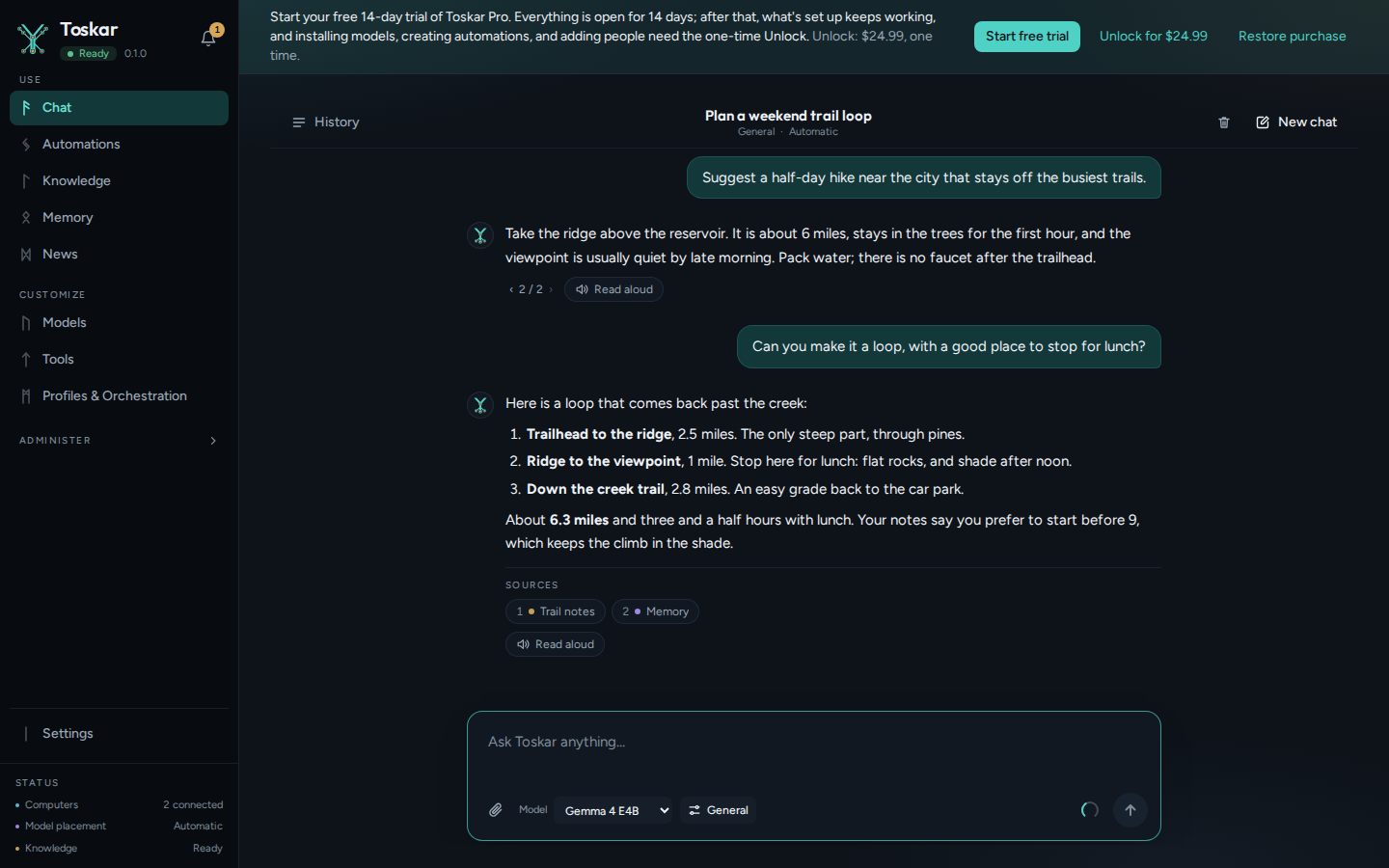
Toskar Pro is a free download on the Mac App Store. Until you start the trial, a banner at the top of every page says how long it lasts and what the Unlock costs.
- Open Toskar Pro. The banner offers Start free trial, Unlock, and Restore purchase.
- Choose Start free trial, and confirm the $0 purchase the App Store shows.
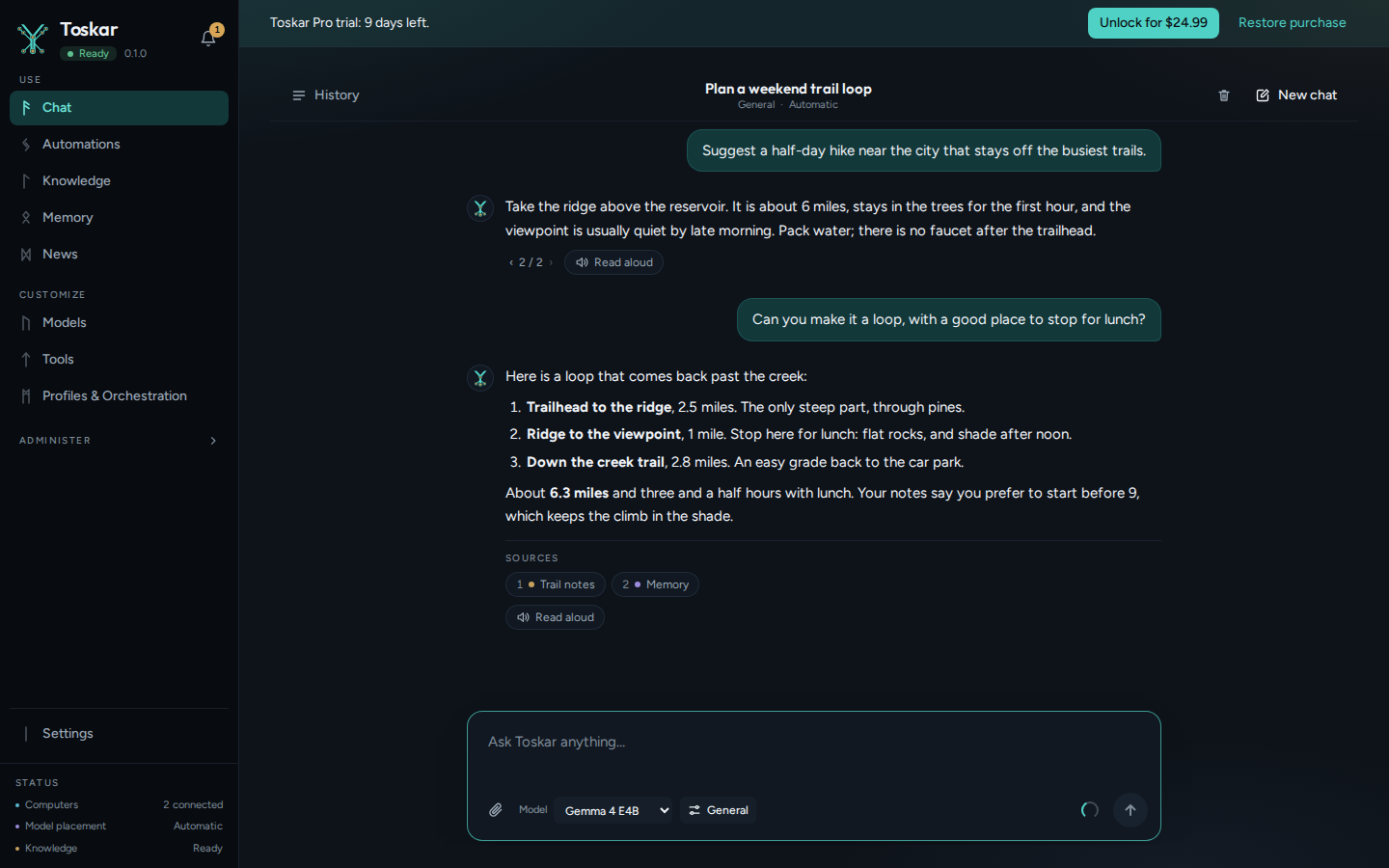
- Everything is open for 14 days. The banner counts the days left.
The trial on Windows
On the Microsoft Store, Toskar Pro costs $24.99, and the Store's Free trial button gives you 15 days. Buying it in the Store or from the banner ends the trial and keeps everything open.
After the trial
| Keeps working | Needs the Unlock |
|---|---|
| Chatting, with the models you installed | Installing or importing a model |
| Your automations, on their schedules | Creating an automation |
| The people you added, and their sign-ins | Adding a person |
| Knowledge, memory, and your settings |
Unlock Toskar Pro
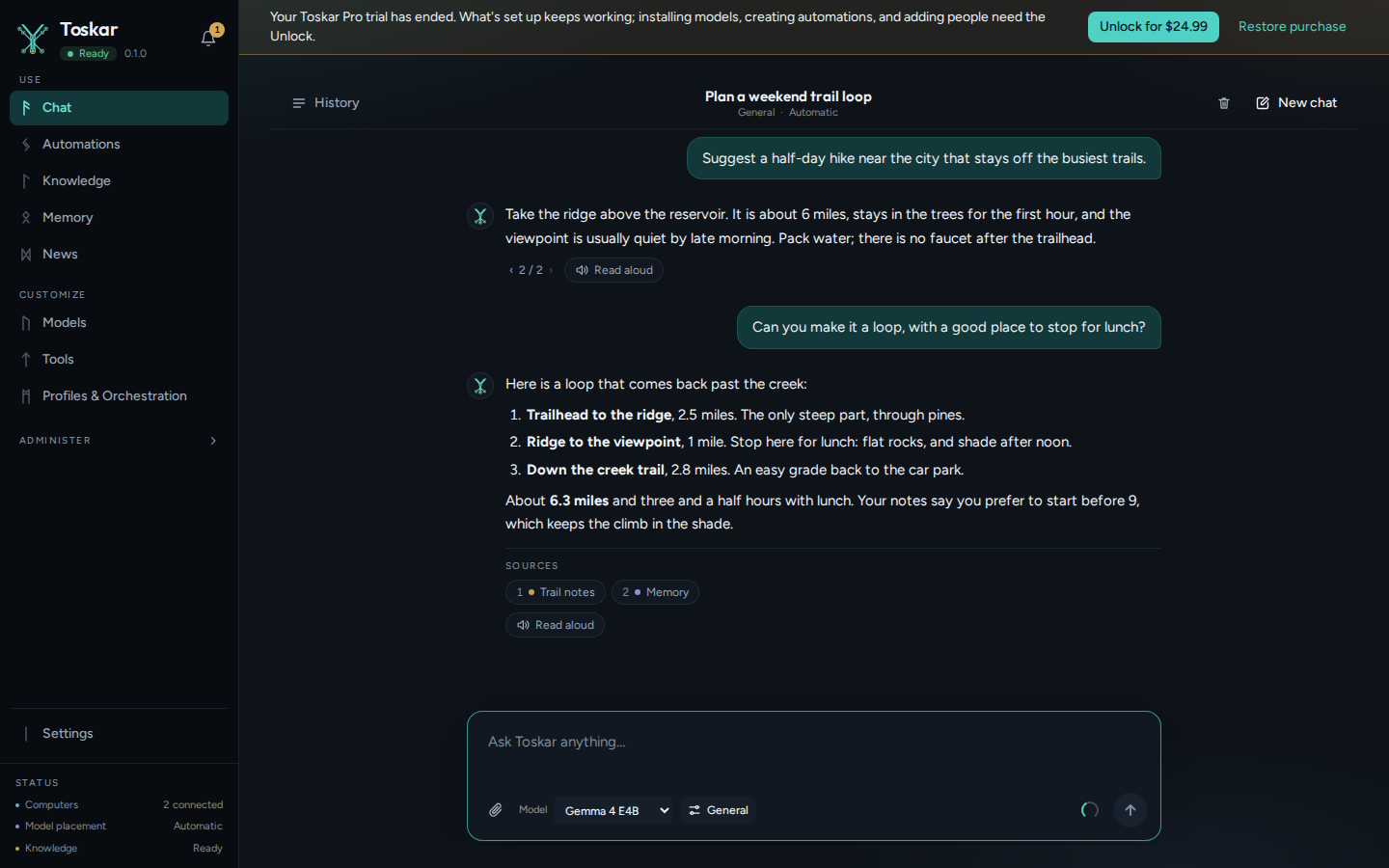
- Choose Unlock in the banner. It shows the price in your store's currency.
- Confirm the purchase in the store. The banner goes away, and everything stays open.
- The Unlock is a one-time purchase, $24.99 in the United States. There's no subscription.
- On a Mac, Family Sharing shares the Unlock with the people in your family group.
- Restore purchase, on a Mac, brings an Unlock bought with the same Apple Account to this computer.
Tip: Bought Toskar Pro on the Mac App Store before it was free? It stays unlocked. You won't see a trial or be asked to buy anything.
From the API
GET /api/v1/license says where the purchase stands: kind is available (trial not started), trial, ended, unlocked, or empty when nothing is limited, as on Toskar Core.
curl -s http://127.0.0.1:7331/api/v1/licenseYou’ll see something like:
{"kind":"","limited":false}When something needs the Unlock, the API answers 403 with the code TRIAL_NOT_STARTED or UNLOCK_REQUIRED.
Troubleshooting
| What you see | What to do |
|---|---|
| No model installs, and the banner offers the trial | Start the free trial, or unlock. A Mac copy needs one of them before adding models, automations, or people. |
| You bought the Unlock, but the banner is still there | Choose Restore purchase, and check that the store is signed in with the account that bought it. |
| Waiting for the purchase to be approved | The store is waiting to approve the purchase, usually a family member's Ask to Buy. The banner updates once it's approved. |
| No Unlock was found for the store account | The store is signed in with another account. Sign in with the one that bought the Unlock, then choose Restore purchase. |
These pages describe Toskar 1.12.0. Download 1.12.0 and its release notes ↗ · Need help? Report a bug or request a feature ↗