
Documentation / 1.12.0
Is my model using the GPU?
See whether a model runs on your graphics card, why it doesn't when it could, and how to fix that.
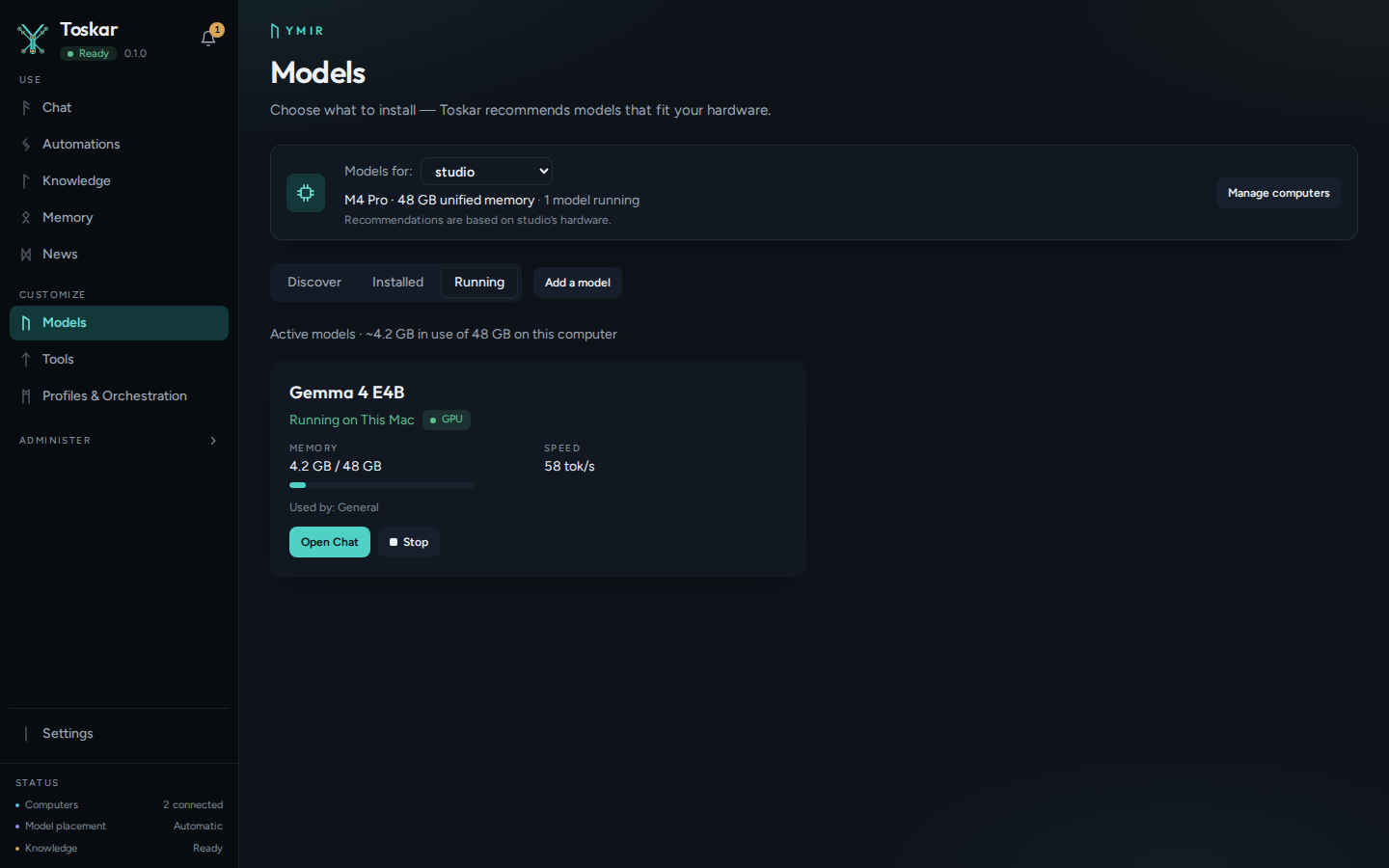
A model answers much faster on a graphics card (GPU) than on the processor (CPU). Toskar shows where each running model actually runs, as llama.cpp reported when it loaded the model, not what the hardware could do.
What you need
- A running model. Sending a chat message starts one.
Where to look
Each running model shows a status on Models › Running and on the Performance overview. Select it to see the device, how many of the model's layers are on the GPU, and the GPU memory it uses. Diagnostics has a GPU acceleration row with the same states.
| Status | What it means |
|---|---|
| GPU (green) | The whole model is on the graphics card. |
| Partly on GPU (amber) | It doesn't fit in the GPU's memory, so some of it runs on the slower CPU. A smaller model, or a smaller version of this one, fits completely. |
| CPU only (red) | This computer has a GPU that isn't being used. The steps below fix it. |
| CPU (grey) | This computer has no GPU Toskar can use, which is expected. |
A model bigger than your graphics card still runs. Toskar puts as many of its layers as fit in the card's free memory there, and the rest in the computer's memory, where the processor runs them, so it shows Partly on GPU. A mixture-of-experts model, such as one marked A3B, keeps its experts in the computer's memory first, since each word uses only a few of them. In Toskar 1.11 and earlier, a model that didn't fit on the card stopped while loading instead.
Watch it live
The Performance overview shows each computer's CPU and memory, and each graphics card's use, video memory, temperature, and power, with the last hour as a line. Activity marks each reply GPU or CPU and can filter by it. With Advanced mode on, a reply's details also say how many words the model guessed ahead and how many it kept, and Activity shows the share kept across the replies shown; filter by a model to see its own. More kept means faster answers.
Tip: A Mac doesn't report GPU temperature or power without administrator rights, and Windows reports them only for NVIDIA cards. Toskar leaves those figures out there rather than showing zero.
Troubleshooting
When a model shows CPU only:
- If a model shows CPU only, open Diagnostics and read the reason under GPU acceleration.
- If the installed llama.cpp runs on the CPU only, stop your models, then quit and reopen Toskar. It installs the GPU build when no model is running.
- If llama.cpp couldn't use the GPU, install or update the graphics driver. On Linux with an AMD or Intel card, also install the Vulkan drivers (on Ubuntu and Debian, mesa-vulkan-drivers and libvulkan1).
- Start the model again and check its status.
These pages describe Toskar 1.12.0. Download 1.12.0 and its release notes ↗ · Need help? Report a bug or request a feature ↗