
Toskar for your devices
Private AI on your phone, tablet, watch, TV, and in the car.
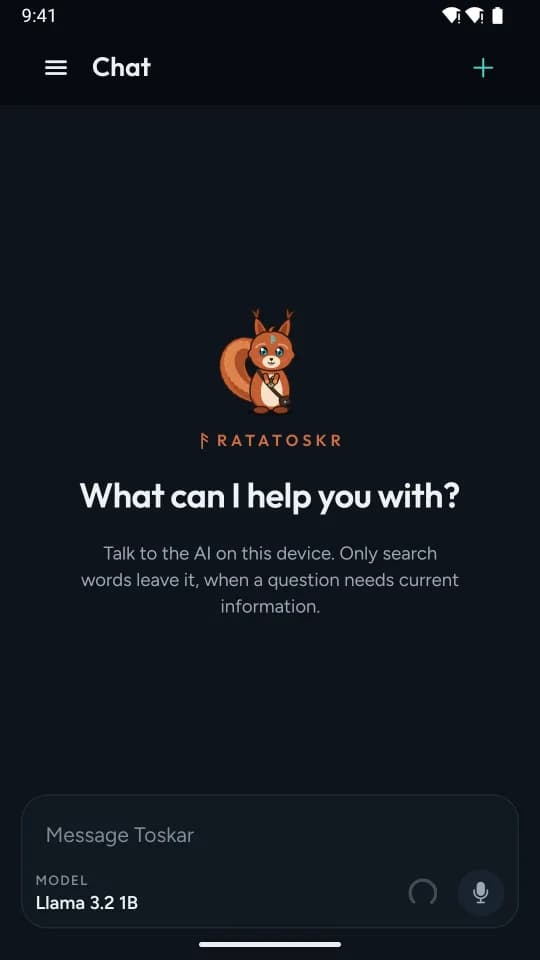
Chat with a small model on the device itself, even offline, or with the larger models on your own computer, at home or away.
For anyone who wants their AI on every device, without sending their chats to a hosted AI service.

$9.99 on the App Store, free on Google Play
What it does
What you get
AI on the device, even offline
A phone or tablet runs a small model of its own, so you can chat with no computer and no connection. Nothing you write leaves the device, except the search words when a question needs current information.
Your computer's AI, at home or away
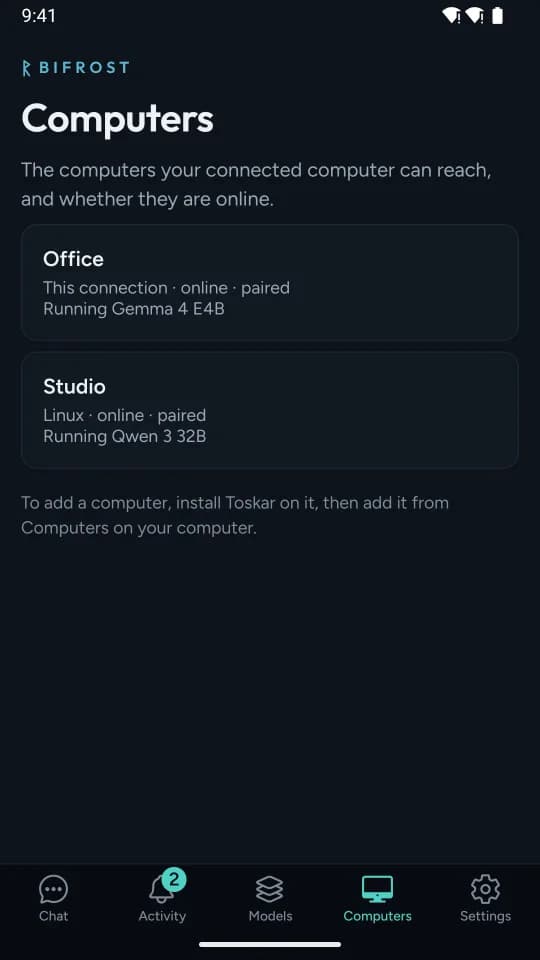
Connect to Toskar Pro or Toskar Core on your computer once, with a code it shows, and use its larger models, chats, memory, and knowledge. With access from anywhere on, it reaches your computer away from home too.
Photos and files in a chat
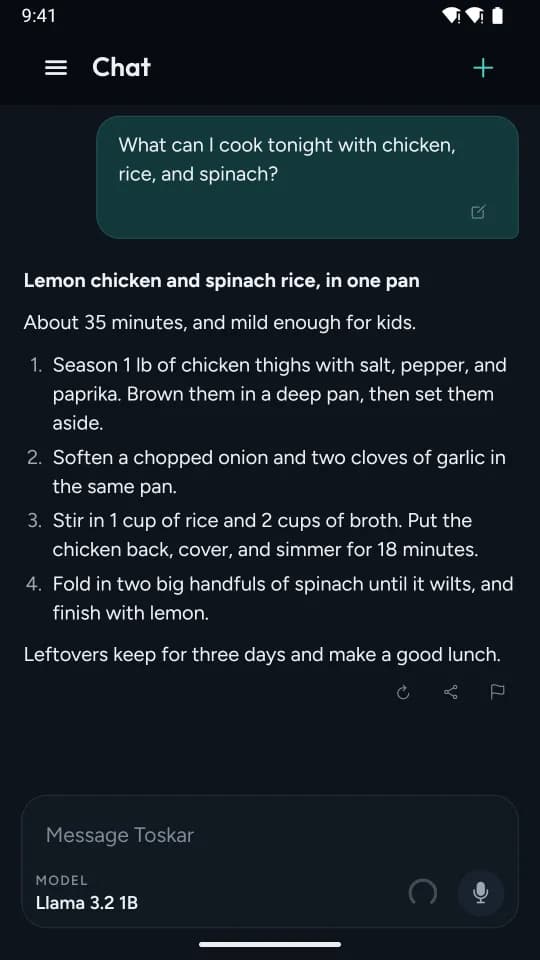
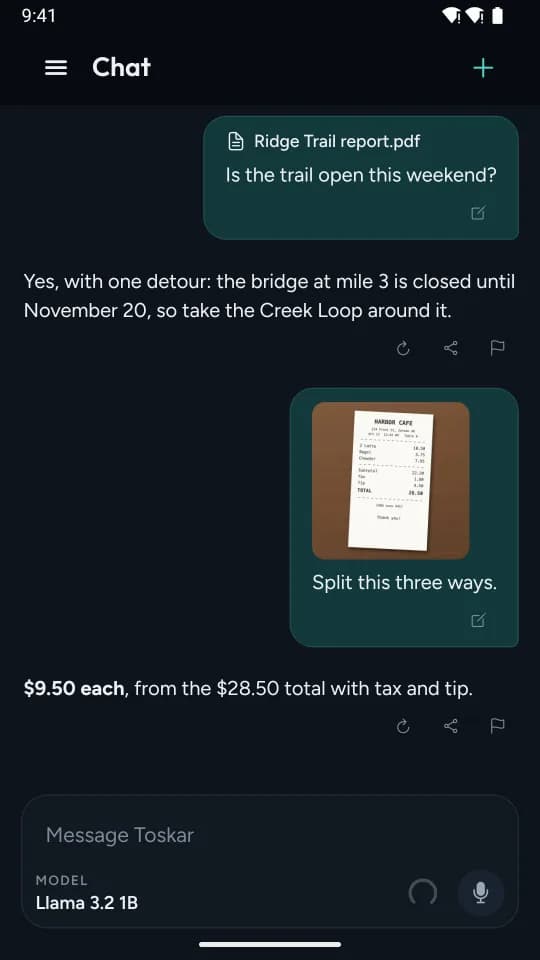
Add a photo, a PDF, or a text file, or speak your message. In a chat on the device, they're read on the device.
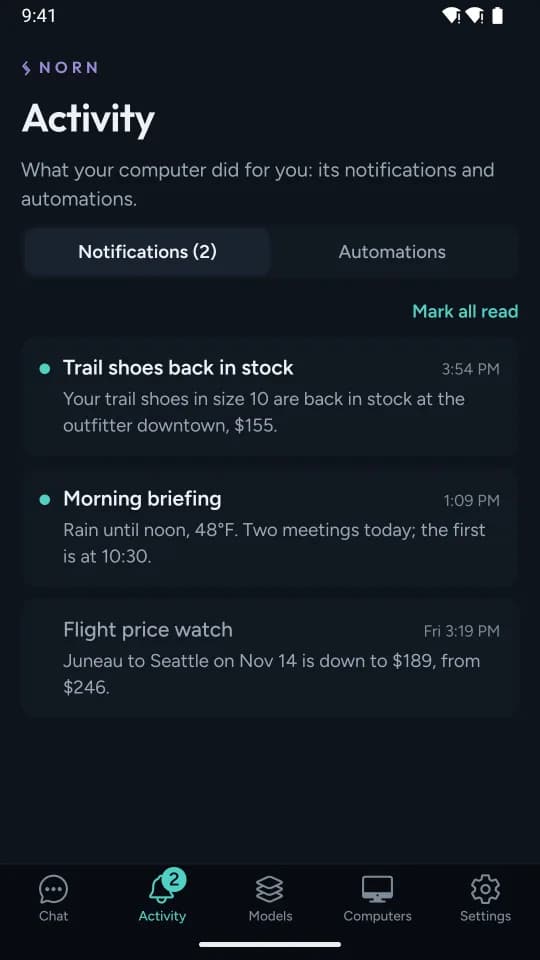
Your computer's notices, wherever you are
Turn on notifications, and an automation's result and your computer's other notices arrive even when the app is closed. The Activity tab keeps them all.
On your watch
Ask from the app or your watch face. The watch asks your computer, and asks through your phone when it can't.
On your TV
Ask with the remote's microphone, or type. Without a computer, a demo answers a few sample questions.
In the car
Talk with Toskar on the car's screen. It speaks its answers, so your eyes stay on the road.
Text in any app
Select text in another app and ask Toskar to fix, rewrite, translate, explain, summarize, or reply to it.
How it fits
One system, four parts
Your models run on your computer, with Toskar Core or Toskar Pro. Toskar on your other devices uses them: directly at home, and through a relay when it has to away from home.
Privacy
What stays, and what leaves
Stays with you
- Chats with a model on the device, the memories you ask it to keep, and the models you install, on the device.
- Chats with your computer, on your computer. The app sends it your messages and its time zone.
- Your computer's address and key, in the device's secure storage.
- There's no account with us, and no analytics, ads, or crash reporting.
Leaves only when you use it
- A question that needs current information, such as the weather: only the search words, to the search service. You can turn lookups off.
- A model you choose to install, downloaded from Hugging Face.
- Photos, files, and your voice only when you add them to a message, and only to your computer in a chat with it.
- A problem report, only when you choose Send after seeing everything in it.
Requirements
What you need
- Phone or tablet
- From the App Store or Google Play. The store page lists the system version it needs.
- A model on the device
- Free space for the model: the ones in the catalog take about 1 to 3 GB each.
- Your computer
- Toskar Pro or Toskar Core on a computer, to use its models. Connect each device once, on the same network.
- Watch, TV, and car
- From the App Store. The watch asks your computer, or your phone when it can't reach it. The TV uses your computer.
- Away from home
- Access from anywhere turned on, on your computer. See Toskar Relay.
Price
What it costs
- App Store: $9.99, once.
- Google Play: free to download, with Toskar Unlock, $9.99 once, in the app.
- Access from anywhere through Toskar's relay is an optional subscription, $4.99 a month or $39.99 a year, for your computer and every device paired with it.
Prices are in US dollars; each store shows the price where you are.
Toskar is open source. Buying Toskar or Toskar Pro pays for our work on it, and keeps Toskar Core free for everyone. The apps are the easy way in, not a paywall.
Questions
- Do I need a computer to use Toskar?
- No. A phone or tablet can chat with a small model on the device. A computer running Toskar Pro or Toskar Core adds larger models, your knowledge, and automations. The TV uses a computer, or answers a few sample questions in its demo.
- Does it work away from home?
- Yes. Your device tries your home network, then your computer directly, then Toskar's relay if you subscribe. Chats on the device work anywhere, with no connection.
- Does it need an account?
- No. You connect a device to your computer with a one-time code, and there's no account with us.
- Which devices does it run on?
- Phones and tablets from the App Store and Google Play. The watch, TV, and car come with the App Store version.
Get Toskar
Install it, chat on the device, and connect it to Toskar Pro or Toskar Core on your computer when you're ready.